
Product Catalog
INTERROLL Product Catalog
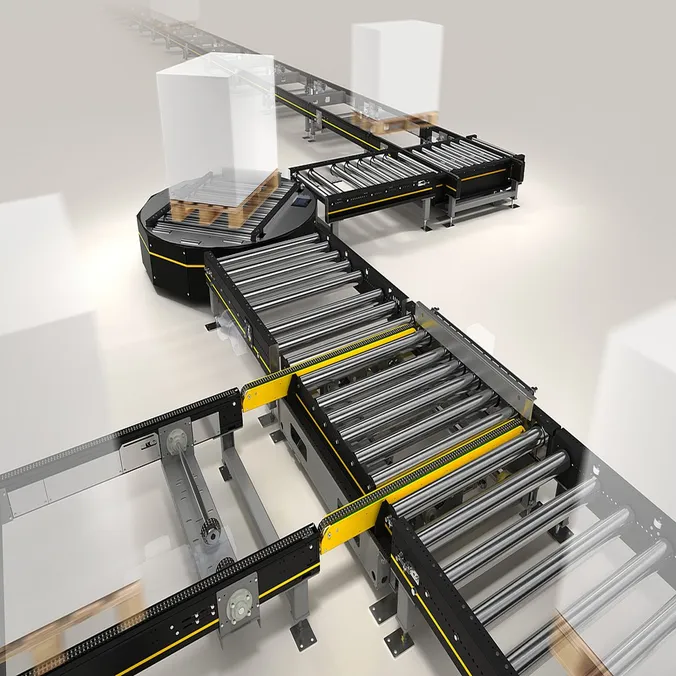
Interactive 360° iPad app for conveyor technology: virtual factory tours and product visualisation in sales meetings.
Interroll AG
Clients and partners






New people need to work safely sooner, training must not interrupt production, and products that need explaining need more than a data sheet. We turn your CAD and BIM data into applications for practising, inspecting and selling. On a tablet, in the browser or with a VR headset, whatever works in your operation.
Services
Typical applications in this sector. Your project is not on the list? Talk to us anyway, we build beyond it too.
Example projects
Client voice
„Explaining pallet conveyor technology is hard. After a brainstorm with Nikola it became playfully easy: an application built on 360° video. It is very popular with our sales colleagues worldwide.“
 Irma SlavenskaiteInterroll Groupproject on the leftINTERROLL product catalogue
First step
Together we check what can be done with your existing CAD or BIM data. Then you receive a quote for a pilot with key figures agreed in advance.
Why Studio Merkas
Concept, design, 3D, development and hosting sit in the same studio. No chain of agency and subcontractors.
One counterpart from the first conversation to operation
We come from game development and turn your CAD data into real-time 3D that runs smoothly and is easy to use.
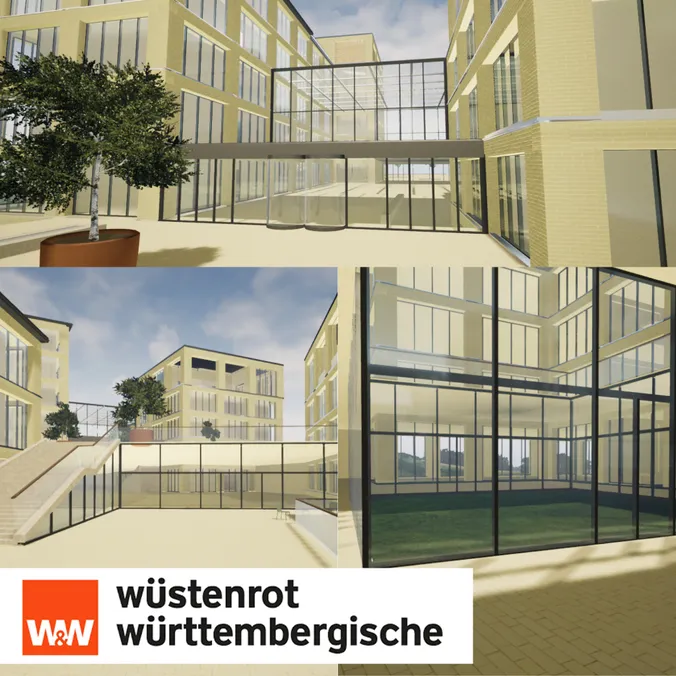
For example the W&W Campus from BIM data
Tablet, browser, VR or AR headset, Unity or Unreal. We use what works in your operation. Often a tablet is enough, no smart glasses needed.
IT, data protection and works council involved early
A studio in Stuttgart that you can visit, and a fixed contact person from the start.
First conversation also online
Process
No risk for you: the first conversation is free, and you only decide once you have seen our quote. After that, you can see what we are working on in every phase.
You tell us about your machine or plant and who will work with it. We ask the right questions and tell you openly what is feasible.
Together we define what the application needs to do and involve IT, data protection and the works council early. Where it makes sense, development starts in parallel.
You see the current state regularly and tell us what to adjust. That way there are no surprises at the end.
You receive the finished application. Or we take over hosting, maintenance and updates so it stays in line with the plant.
Frequently asked questions
Contact
Which machine or plant is it about, and do you have CAD or BIM data? A few sentences are enough. Niko will get back to you and arrange a free first conversation.
Knowledge